Qualité vidéo TikTok : explication des téléchargements HD, 1080p et 4K
Des instructions claires, des vérifications pratiques et des captures montrant exactement où cliquer.
Table des matières⌄
Video downloader websites often reduce quality to a single marketing label.
Real media quality is more complicated.
A downloaded TikTok video can be affected by resolution, bitrate, codec, frame rate, the creator source file, platform processing and the particular stream returned to the downloader.
SnapTik therefore does not promise one fixed resolution for every public post.
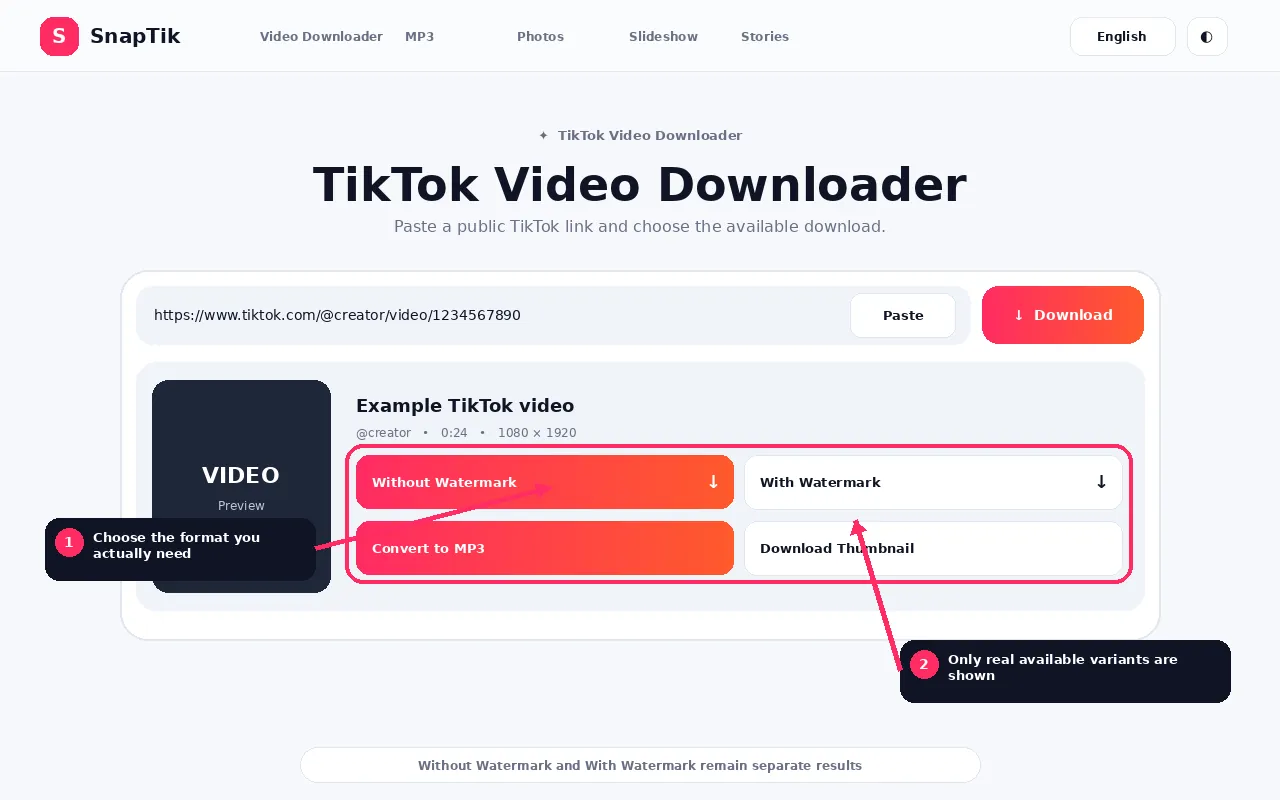
Use the TikTok Video Downloader to see the options available for a specific post. If you are deciding between video and audio-only output, compare MP3 vs MP4.
What Does HD Mean?
Sans filigrane • Avec filigrane • Convertir en MP3
HD is a broad term rather than one universal file specification.
Common resolution labels include 720p, 1080p, 1440p and 2160p or 4K.
TikTok videos are commonly vertical, so the actual width and height can appear in portrait orientation rather than traditional landscape dimensions.
The exact pixel dimensions are more informative than the word HD alone.
What Is 1080p?
1080p usually refers to Full HD class video, traditionally associated with 1920 by 1080 in landscape orientation.
A vertical mobile video can reverse that orientation.
The key point is that the source must genuinely contain that level of detail.
A downloader cannot promise a 1080p source when the available media is smaller.
What Is 4K?
4K generally refers to video with a horizontal dimension around four thousand pixels in common consumer formats, such as Ultra HD 3840 by 2160 in landscape.
Again, vertical content can use portrait dimensions.
If SnapTik receives a genuine high resolution media source, it can provide that source.
It does not transform every TikTok into authentic 4K.
Upscaling Is Not the Same as Original 4K
Software can enlarge a 720p or 1080p video to 4K dimensions.
That process creates more pixels in the output file, but it does not recreate the exact original visual information that was never present.
AI upscaling can estimate detail, but estimated detail is still different from a native high resolution source.
SnapTik does not use simple upscaling as proof of a genuine 4K download.
Resolution vs Bitrate
Two files with the same resolution can look different.
Bitrate describes how much data is used over time.
A heavily compressed 1080p video can look worse than a well encoded lower resolution video in some situations.
Quality therefore cannot be judged by pixel dimensions alone.
Compression
Video compression reduces the amount of data needed to store and stream media.
Compression is necessary for practical online video, but excessive compression can create blockiness, smearing, loss of fine detail, banding and motion artifacts.
If those artifacts already exist in the source, a downloader cannot remove them perfectly.
Codec
A codec defines how video or audio is encoded and decoded.
Different codecs can achieve different quality and efficiency at similar file sizes.
A downloader may receive streams using a codec that the browser or target device handles differently.
Frame Rate
Frame rate is the number of video frames presented per second.
Higher frame rate can make motion look smoother, but it also increases data requirements.
A downloader cannot create genuine missing motion frames merely by changing a metadata label.
Why the Watermarked and Clean Versions Can Differ
The clean and watermarked versions can come from different media sources.
That means they can differ in resolution, bitrate, file size, encoding and compression.
You should not assume the clean file is always the largest or that the watermarked file is always lower quality.
Why File Size Is Not a Perfect Quality Test
A larger file can mean higher bitrate, longer duration, a less efficient codec, extra audio data or different encoding settings.
It does not automatically prove that the image contains more real detail.
Can SnapTik Restore Original Upload Quality?
Not if TikTok only exposes a processed copy to the downloader.
The creator original file can be better than any platform delivered version.
If you created the content yourself, keep the pre upload source whenever possible.
Why a Video Looks Better in the TikTok App
Possible reasons include adaptive streaming, device scaling, display processing, different stream selection, cached sources and app rendering behavior.
A downloader can only work with the media sources it can retrieve.
Can Downloading Reduce Quality?
A direct file download should preserve the retrieved remote media file.
However, extra conversion or re encoding can change quality.
That is why SnapTik tries to pass through available video media rather than unnecessarily converting every MP4.
MP3 conversion is different because that action intentionally creates a new audio file.
What Quality Should I Choose?
If several genuine video versions are available, choose based on your goal.
For archiving your own authorized media, the highest useful source is generally preferable.
For quick sharing or limited storage, a smaller file may be more practical.
Do not choose a label alone. Consider dimensions, compatibility and the actual visual result.
Quality FAQs
Does SnapTik always download HD?
No. It can provide high quality media when that source is available.
Does every TikTok have 1080p?
No.
Can every TikTok be downloaded in 4K?
No. Genuine 4K availability depends on the source.
Can SnapTik turn 720p into real 4K?
Increasing dimensions is not the same as restoring native 4K detail.
Why are two versions different sizes?
They can use different bitrates, codecs, resolutions or watermark processing.
Is a larger file always better?
No.
Is the original creator file better?
It can be, because platform processing may alter the upload.