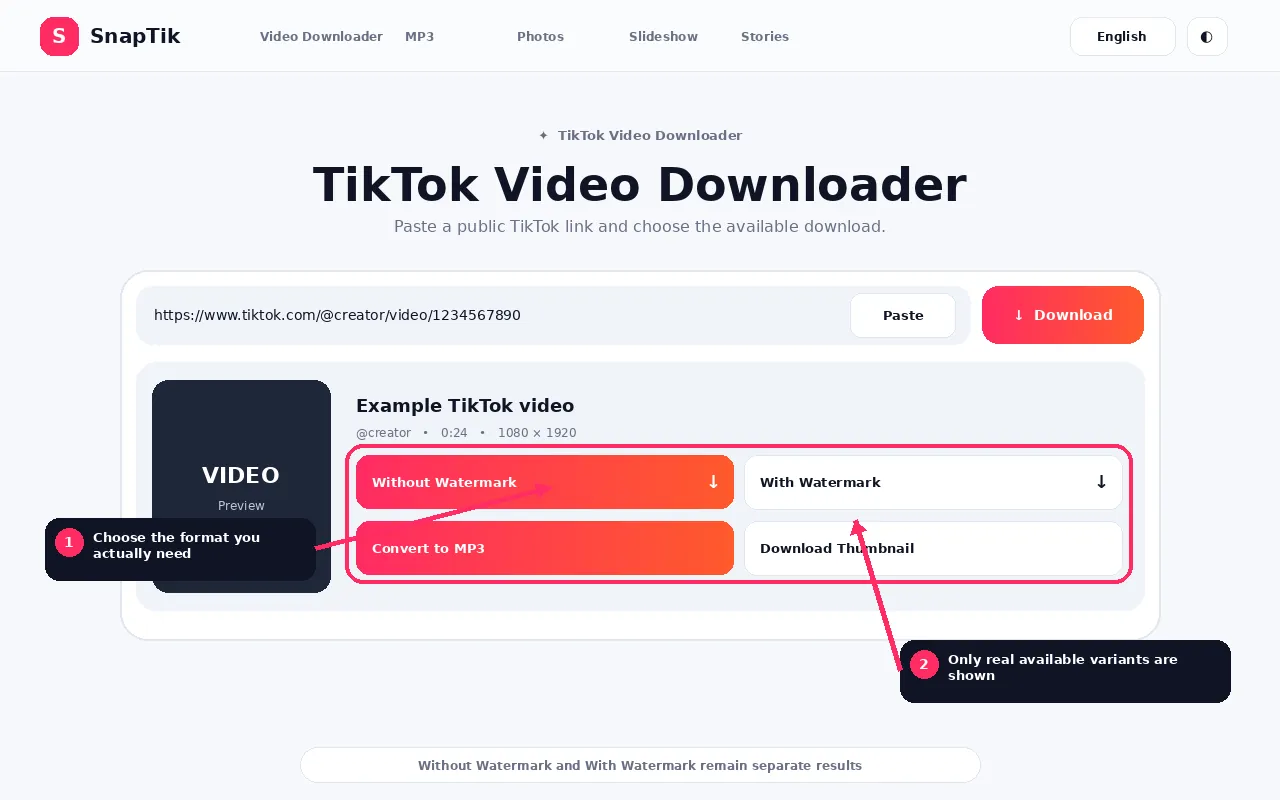
Sans filigrane • Avec filigrane • Convertir en MP3
MP3 is an audio compression format.
An MP3 file contains audio, not the video picture.
It is useful when you need sound in a widely supported audio format.
A real MP3 conversion requires encoding.
Renaming an M4A or MP4 file to .mp3 does not convert it.
What Is MP4?
MP4 is a media container commonly used for video.
An MP4 can contain video, audio, timing information, metadata and other compatible tracks.
For a normal TikTok video download, MP4 is the practical choice when you want to keep the moving image and sound together.
MP3 vs MP4 Comparison
Feature
MP3
MP4
Main purpose
Audio
Video and audio
Contains video picture
No
Usually yes
Typical SnapTik use
Audio only
Complete TikTok video
File size
Usually smaller
Usually larger
Conversion may be required
Yes
Often direct source download
Useful for visual archive
No
Yes
Useful for audio only playback
Yes
Possible but unnecessary
Which Has Better Audio Quality?
The answer depends on the source and encoding.
An MP4 can contain a high quality audio track.
An MP3 conversion can introduce another generation of lossy compression.
Therefore, MP3 is not automatically better quality just because it is a dedicated audio format.
If SnapTik provides the original source audio separately, that source can be preferable when you want to avoid extra conversion.
Which File Is Smaller?
MP3 is usually smaller because it contains no video.
However, the exact file size depends on duration, bitrate, source codec and conversion settings.
When to Choose MP4
Choose MP4 when you need the complete video, visual content, on screen text, editing reference, synchronized audio and picture or an archive of your own video post.
When to Choose MP3
Choose MP3 when you only need audio, your software expects MP3, video is unnecessary, storage or transfer size matters and you have permission to use the audio in that way.
Source Audio vs MP3
SnapTik distinguishes these.
Source audio is the audio media returned by the downloader.
MP3 is a converted file created using audio conversion support when the option is available.
If the source audio is already compatible with your workflow, conversion may be unnecessary.
Can I Convert MP4 to MP3 Later?
Yes, with compatible audio software.
The advantage of SnapTik’s MP3 action is convenience when the server has conversion support.
For maximum control over codec settings, advanced users may prefer to download authorized source media and convert it locally using their own tools.
Copyright Applies to Both Formats
Changing a video to audio does not remove rights.
Music, spoken content and other audio can still be protected.
Use downloaded or converted media only when you have appropriate rights or permission.
How Conversion Affects Size and Quality
Extracting or converting audio can reduce the file size substantially because the video track is removed. That does not mean a higher MP3 bitrate can recreate detail missing from the source audio. Encoding an already compressed source at an unnecessarily high bitrate can make a larger file without producing a meaningful quality improvement.
MP4 can also contain more than one type of audio or video codec, so the file extension alone does not describe every technical property of the media.
Choose Based on the Next Task
If you need to watch, edit or preserve the visual post, keep MP4. If you only need the sound for an authorized offline use, MP3 can be easier to store and play. If SnapTik exposes the original audio separately, that source may be preferable when you do not specifically require MP3 compatibility.
Think about editing and compatibility
MP4 is usually the safer choice when the next step involves video editing, captions, frame extraction or visual archiving. MP3 is easier when the destination is an audio player, a voice-note workflow or another authorized audio-only use.
If you are preserving your own original work, keeping the highest useful source file before making converted copies gives you more flexibility later.
MP3 vs MP4 FAQs
Is MP3 a video format?
No. MP3 is audio.
Is MP4 always video?
MP4 is a container that can hold different media tracks, but in the SnapTik video workflow it is used for video downloads.
Is MP3 higher quality than source audio?
Not automatically.
Does converting to MP3 remove the watermark?
A watermark is a visual video issue. MP3 contains no picture.
Can I keep both versions?
Yes, if the available media and server features provide both actions.
Why is MP3 missing?
audio conversion support or a compatible source may be unavailable.